
Keyboard in Sign Language (ASL)
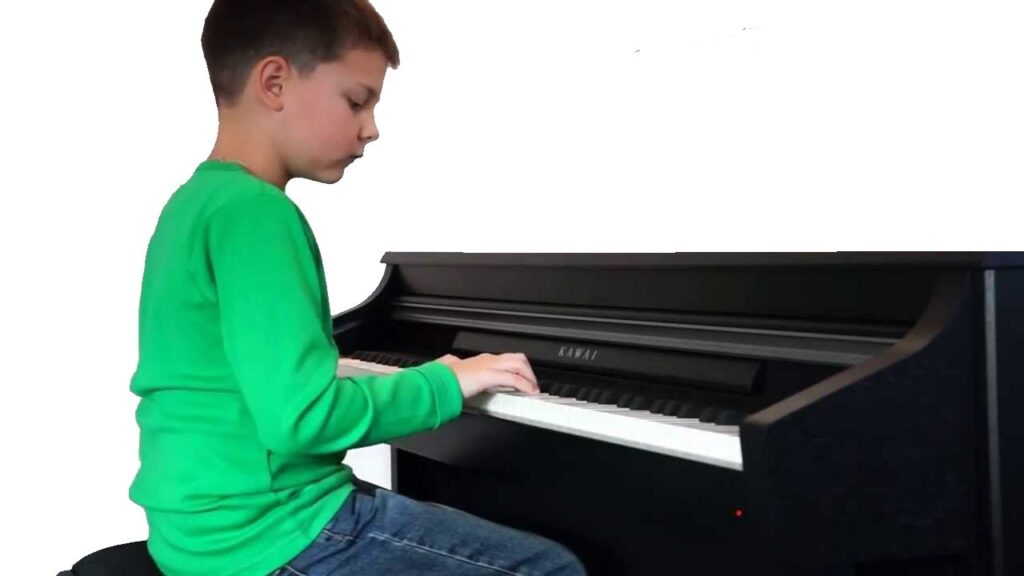
The sign “Keyboard” refers to the electronic device used to input data into computers and other devices. This sign is commonly used in discussions about technology, music, and typing. Understanding this sign can enhance communication in both educational and professional contexts, especially in environments where technology plays a significant role.
[VIDEO_PLACEHOLDER]
Table of Contents
Forming the sign
- Handshape: Use both hands with fingers spread apart. Your dominant hand forms a flat “B” handshape (palm facing down), while the non-dominant hand remains stationary in a similar flat position.
- Location: Position your hands in front of your body at about waist level. Ensure that your hands are parallel to each other, mimicking the layout of a keyboard.
- Movement: While maintaining the handshape, perform a gentle horizontal sliding motion with the dominant hand. This movement simulates the action of typing on a keyboard.
- Non-manual signals: Incorporate facial expressions that indicate focus or concentration, as if you were actually typing. This adds context and enhances understanding for the viewer.
This sign’s construction effectively mimics the physical action of using a keyboard, making it both intuitive and visually descriptive. Practicing this sign in the context of typing or using technology can help reinforce its meaning and proper usage.
Using “Keyboard” in sentences
Here are a few examples of how to incorporate “Keyboard” into sentences:
- When I play my music, I often use a keyboard.
- Can you help me connect the keyboard to the computer?
- She prefers using a mechanical keyboard for gaming.
Using “Keyboard” in various contexts can help clarify its meaning and relevance in conversation. This flexibility allows for a more engaging exchange when discussing technology and music.
Signs related to “Keyboard”
Familiarizing yourself with related signs can enhance your vocabulary and comprehension in ASL. Here are some signs that connect with “Keyboard”:
- Computer – Refers to the device that the keyboard connects to.
- Type – The action of using a keyboard to input text.
- Music – Often associated with musical keyboards.
- Play – Related to playing music using a keyboard.
- Software – Programs you may access using a keyboard.
Where this sign comes from
The sign “Keyboard” is derived from the visual representation of a keyboard itself and its common usage in both personal and professional settings. The sign has evolved to reflect advancements in technology and continues to be relevant as new devices emerge. Its widespread use in Deaf communities, particularly among those engaged in technology and music, underscores its significance.
FAQ
What is the handshape for “Keyboard”?
The handshape for “Keyboard” involves using both hands in a flat “B” form, resembling the layout of a keyboard.
Can “Keyboard” be used in different contexts?
Yes, “Keyboard” can be used in various contexts, including discussing computers, music, and typing, making it a versatile sign.
Are there any regional variations of this sign?
While the sign is generally consistent, some regional variations may exist based on local dialects and preferences within the Deaf community.
What facial expressions should I use with this sign?
Facial expressions indicating focus or concentration are helpful to enhance the meaning of “Keyboard” as you use the sign.
How can I practice using “Keyboard”?
Try incorporating the sign into sentences about technology and music during conversations. Practicing with others can also improve your signing skills.
Practice ASL Signs
Use your camera to practice signs and get real-time AI feedback on your technique.
Free · No signup required