
Edit in Sign Language (ASL)
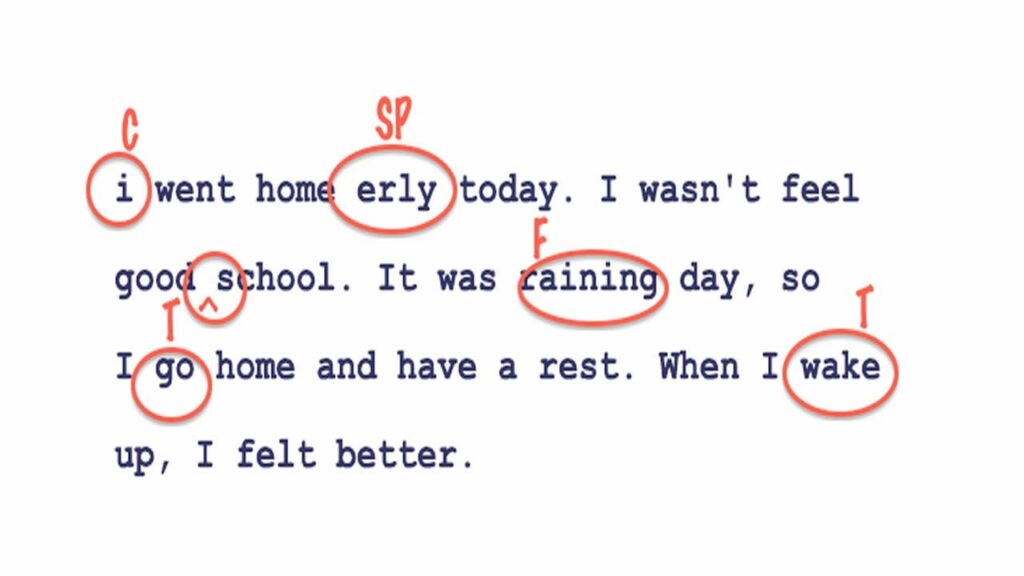
The sign “Edit” is used to convey the action of making changes or corrections to text, images, or other content. It’s commonly used in academic, professional, and social contexts when discussing revisions or updates needed for various materials. Understanding this sign is essential for effective communication in contexts that involve collaboration in writing or visual projects.
[VIDEO_PLACEHOLDER]
Table of Contents
How to form the sign “Edit”
- Handshape: Start with both hands in the ‘A’ handshape, where your fingers are curled into a fist with the thumb resting alongside your index finger.
- Location: Position both hands in front of your body, approximately at shoulder height, with palms facing each other.
- Movement: Bring your hands together while making a slight circular motion, as if you are manipulating or adjusting an object. This should resemble a gentle editing gesture, conveying the idea of refining or altering.
- Non-manual signals: Maintain eye contact and use facial expressions that indicate focus and intent. A slight furrowing of the brows can suggest concentration on the editing process.
When performing the sign “Edit,” remember that clarity in your movements is key. The circular motion represents the act of making adjustments. Your non-manual signals can enhance the meaning, making it clear that you are focused on the task of editing.
Using “Edit” in everyday signing
In everyday communication, “Edit” can be used in various contexts. For example:
- When discussing school assignments: “I need to edit my paper before submitting it.”
- In a professional setting: “Let’s edit the presentation slides together.”
- When collaborating on creative projects: “Can you edit this photo for me?”
In each of these sentences, the sign “Edit” is crucial for conveying the action clearly and effectively. This sign can also be used in different tenses, as seen in the next section.
Showing tense, aspect & repetition
To convey different tenses or aspects while using “Edit,” you can modify the movement and use additional signs for clarity:
- Present tense: Use the standard “Edit” sign as described.
- Past tense: You can show a backward movement to indicate that the editing has already happened. For instance, after performing the sign, a quick backward motion will indicate completion.
- Future tense: Point forward as you sign “Edit” to suggest that the editing will take place later.
- Repetition: To indicate that you are editing multiple times, you could perform the sign several times in quick succession.
These variations help clarify the timing of the editing action, making your communication more precise.
Common mistakes to avoid
When signing “Edit,” there are some common pitfalls to be aware of to ensure clear communication:
- Incorrect handshape: Ensure you are using the ‘A’ handshape correctly; using a flat hand can confuse the meaning.
- Rushed movements: Fast, unclear movements may lead to misunderstanding. Be deliberate and clear with your gestures.
- Neglecting facial expressions: Non-manual signals are as important as the sign itself. Always incorporate facial expressions that reflect the content and urgency of the editing process.
By being mindful of these common mistakes, you can enhance your ability to communicate effectively when discussing editing tasks.
Signs related to “Edit”
Familiarizing yourself with related signs can enhance your vocabulary around the topic of editing and collaboration:
- Revise: To make changes or improvements to something previously created.
- Correct: To fix errors or mistakes in a text or image.
- Review: To go over content critically to assess or evaluate it.
- Update: To bring something up to date or incorporate new information.
Deaf cultural note
In the Deaf community, the process of editing is often collaborative, especially in educational settings. For example, Deaf students might work together to edit a project, utilizing both sign language and written language to convey ideas more clearly. This collaborative nature underscores the importance of communication in the editing process and is often emphasized in class discussions and projects.
FAQ
What does the sign “Edit” look like?
The sign “Edit” involves both hands in an ‘A’ handshape, moving in a circular motion together at shoulder height.
Can “Edit” be used in different contexts?
Yes, “Edit” is versatile and can refer to editing written texts, images, videos, and more, depending on the context.
How do I indicate repeated edits?
You can perform the sign “Edit” multiple times quickly to indicate that several edits are being made.
Is there a specific facial expression I should use?
Using focused facial expressions, such as furrowing your brows, can enhance the meaning of the sign and convey the seriousness of the editing task.
Practice ASL Signs
Use your camera to practice signs and get real-time AI feedback on your technique.
Free · No signup required